




Browse our current openings and find a role that matches your skills and ambition.
Know more ▸
Get a feel for our culture, our people and the way we work together every day.
Know more ▸
Health, flexibility and growth benefits designed to support you and your family.
Know more ▸

Kickstart your career with hands-on internship opportunities and mentorship.
Know more ▸

Written by 3Shadz Editorial Team
Most developers, asked what AI has really changed about their work, land on an answer that is neither “everything” nor “nothing.” It is that a capable assistant now sits beside them at nearly every step, drafting a function, suggesting a test, explaining a stack trace, summarizing a pull request. The interesting question in 2026 is no longer whether AI can write code, but where in the software lifecycle it genuinely helps, where it quietly introduces risk, and what a team still has to do for itself. This article walks the lifecycle stage by stage to answer exactly that.
Written for engineering leaders and developers deciding how far to lean on AI, this article covers:
An AI assistant compresses the distance between an intention and a first draft. Describe a function and it appears; paste an error and you get a plausible explanation; point it at a tangled module and it summarizes what the code does. Across the lifecycle, that speed shows up as fewer blank-page moments and less time lost to boilerplate, lookups, and context-switching.
What it does not do is understand your business, own the outcome, or hold the mental model of your system. A model predicts likely text; it does not know whether a feature is worth building, whether a design fits your constraints, or whether a passing test proves the right behavior. That distinction, fast drafting versus real understanding, is why AI helps enormously at some stages and barely at others.
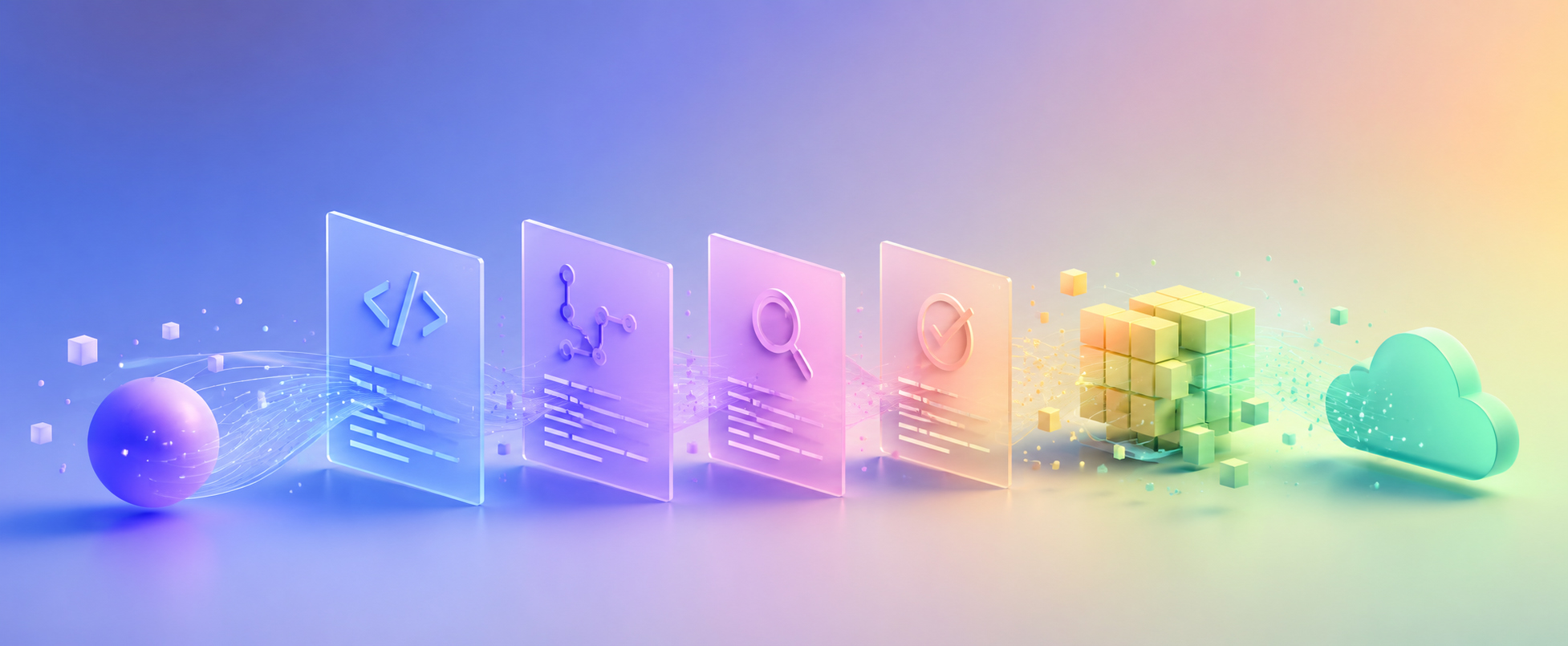
The clearest way to judge AI’s impact is to follow a change through the stages it passes on the way to production. Its value rises and falls with how much of the work at each stage is drafting and checking versus deciding and understanding.
Early on, AI turns rough notes into structure. It can expand a feature request into user stories, draft acceptance criteria, outline an API contract, and surface edge cases a team might overlook: a missing timeout, an empty state, a currency-rounding rule. The catch is that a fluent plan is not a validated one. Because the assistant does not know your existing systems, deadlines, or priorities, its output is a prompt for a human decision, not the decision itself.
This is where assistants are most visible. Drawing on the open file and surrounding repository as context, they autocomplete whole functions, generate boilerplate, translate between languages, and scaffold the repetitive plumbing around real logic. Gains are largest on routine, well-trodden code and shrink sharply on novel algorithms or work that depends on deep, project-specific knowledge. The obvious parts get written quickly; deciding what the code should do stays with the developer.
Testing plays to AI’s strengths: it drafts unit tests, proposes edge-case inputs, generates realistic test data, and fills obvious coverage gaps faster than most people would by hand. There is a trap, though. A model that writes tests by reading your code tends to test what the code does rather than what it should do, so a bug in the implementation can be faithfully enshrined in a green test suite. Human-defined expectations are what make the tests mean anything.
AI reviewers act as a tireless first pass. They flag likely bugs, missing null checks, and risky patterns, catch style inconsistencies, and summarize a large diff so a human reviewer starts oriented rather than cold. What they cannot judge well is intent, whether this is the right change, whether it fits the architecture, whether it will surprise another team. As a screen before human review they save real time; as the only reviewer they manufacture false confidence.
Since documentation is largely summarization, AI is genuinely good at it, drafting docstrings, README sections, and changelogs, and explaining an unfamiliar block of code in plain language. The discipline it demands is verification. Confident but wrong documentation is more dangerous than none, so generated text has to be checked against how the system actually behaves before the next reader trusts it.
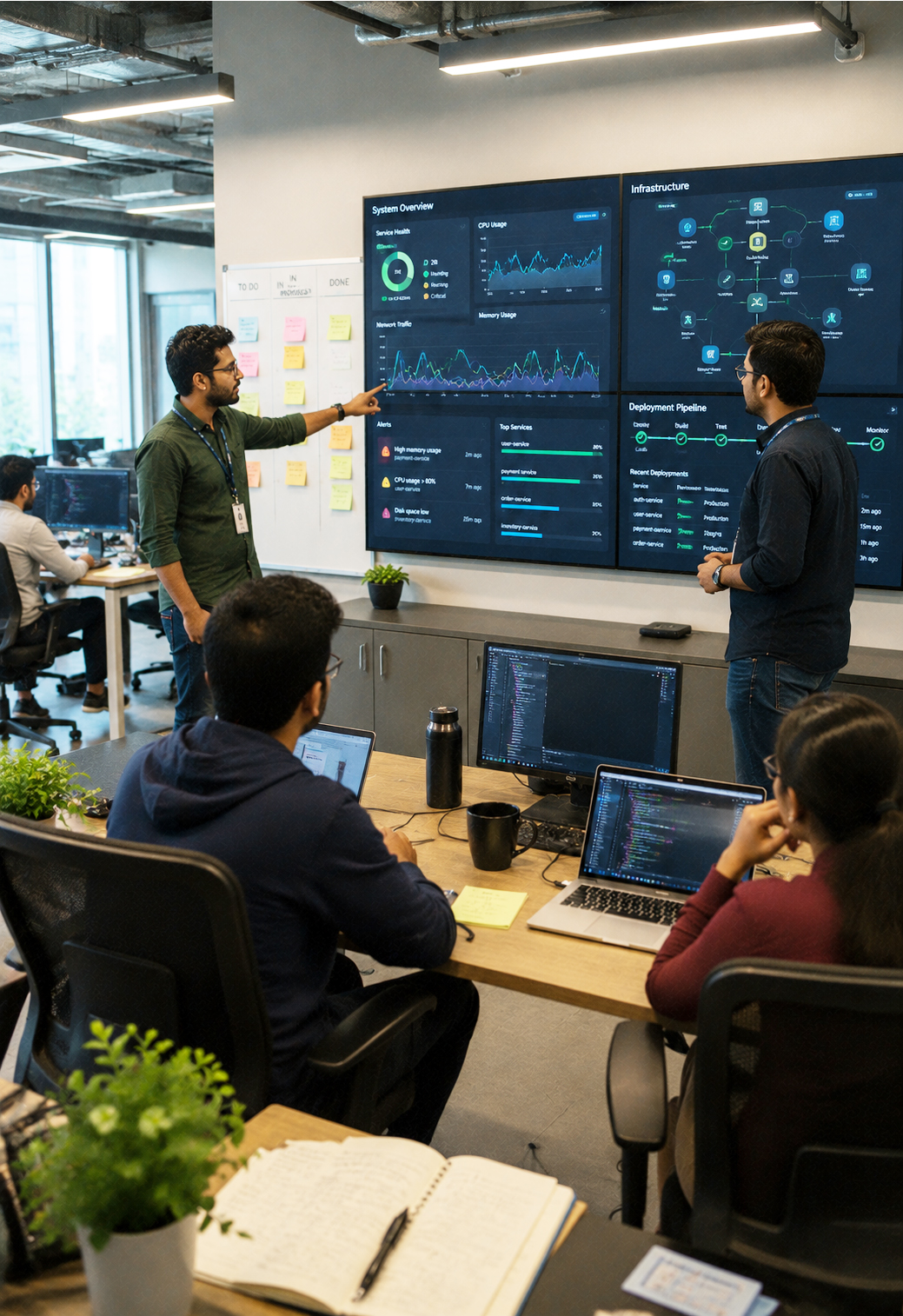
Most software spends its life in operation, and AI helps here too. It summarizes noisy logs, correlates alerts during an incident, suggests probable root causes, and explains legacy code that no current team member wrote. Production still carries real consequences, though, and a confident suggestion remains a suggestion. Choices to restart, roll back, or ship a hotfix need a person who understands the blast radius and is accountable for it.
None of the stages above runs on autopilot, and the failures tend to share a shape: output that looks right and is subtly wrong. Because generated code is fluent and self-assured, mistakes hide in plain sight, which is precisely why review and testing matter more in an AI-assisted workflow, not less.
It is the use of AI tools (coding assistants, test generators, AI code reviewers, and log and incident helpers) across the software lifecycle to draft, check, and explain code. It augments developers at each stage rather than replacing the engineering judgment that decides what to build and whether a change is correct.
Not in any near-term sense. AI shifts where developers spend their time, less boilerplate, more reviewing, integrating, and deciding. Judgment about requirements, architecture, and consequences stays human, and the ability to read code critically becomes more valuable, not less.
Only after the same scrutiny you would apply to any code: review, tests, and security scanning. Generated code can hide subtle logic bugs, security flaws, or calls to APIs that do not exist. Treat it as a draft, verify it, and keep a human accountable for what ships.
Routine and summarization-heavy work: boilerplate and scaffolding, drafting tests, explaining unfamiliar code, documentation, and triaging incidents. The benefit shrinks on novel design and deeply system-specific logic, where understanding intent matters more than producing text quickly.
AI has become a genuine accelerant across the software lifecycle, but its help is uneven. It is strongest where the work is drafting, checking, and summarizing (boilerplate, tests, reviews, documentation, and incident triage) and weakest where the work is understanding intent and owning consequences.
The teams getting the most from it treat AI as a fast junior collaborator whose output always passes through human review, tests, and security scanning. They give it real project context, and they keep a person accountable for what reaches production. Used that way, AI raises a team’s throughput without lowering its standards, which is the whole point.
Start Your AI Journey
Whether you are exploring AI for the first time or scaling enterprise-wide initiatives, 3Shadz helps businesses design, develop, and deploy intelligent solutions that drive measurable results.