


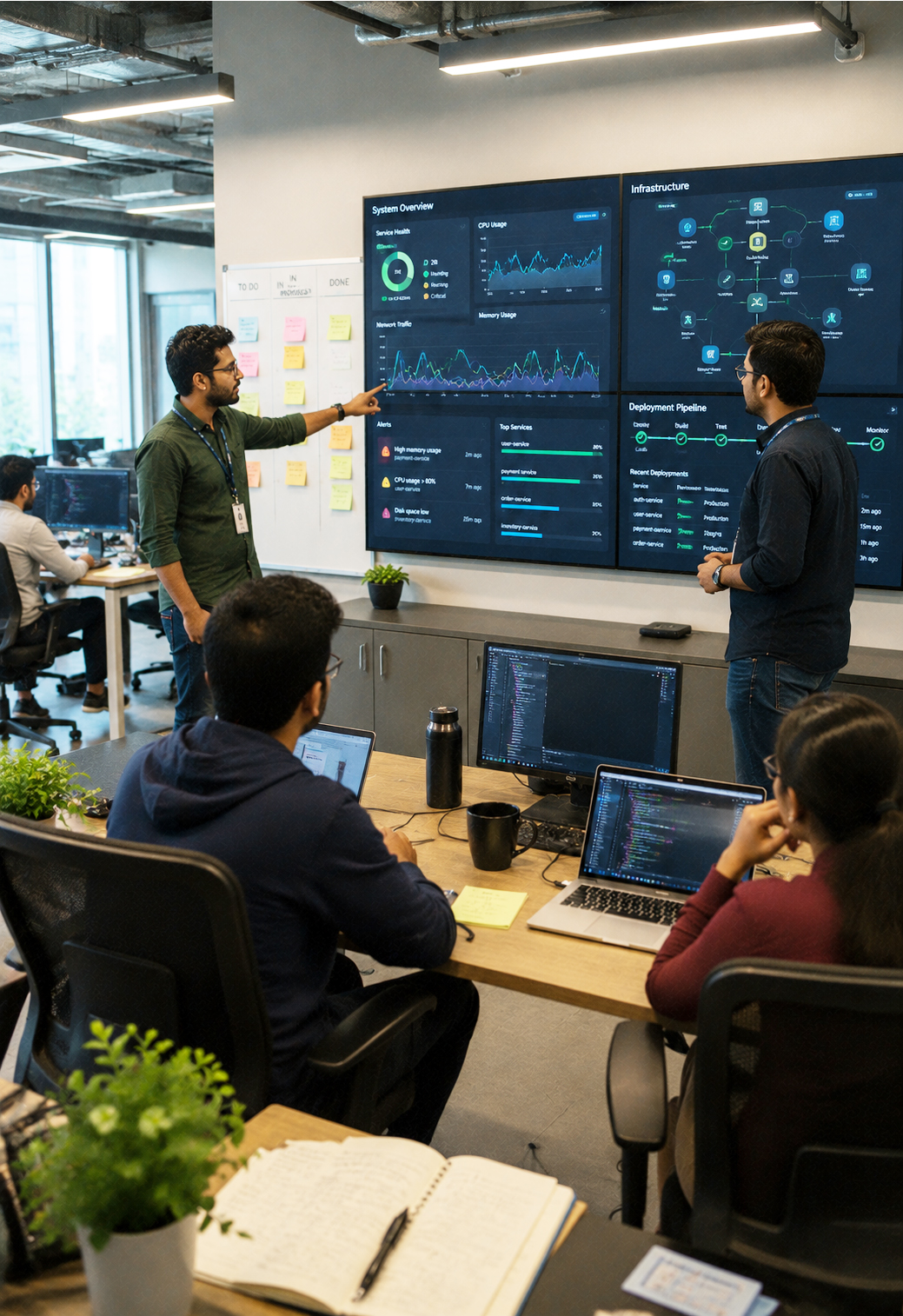








Move Everything That Runs Your Business, Without Slowing It Down.
3Shadz Cloud Migration takes you from where your workloads run today to where they should be running, assessing what you have, choosing the right way to move each piece, and modernizing where it earns its cost, so the business keeps operating while the ground underneath it changes.
Moving to the Cloud Is a Design Decision, Not a Copy Operation
Most migration risk isn’t in the move itself: it’s in moving before anyone has decided what “done” should look like on the other side.
Cloud Migration is where 3Shadz turns an assessed architecture into a running environment. We inventory what you operate today, decide, workload by workload, whether it should be rehosted, replatformed, or rebuilt, and then move applications, infrastructure, databases, and data on a schedule your business can absorb.
It’s one of four connected capabilities inside our Cloud & DevOps practice. Most migrations start from a Cloud Consulting roadmap and hand off to DevOps & Automation or Managed Cloud Services once the new environment is live.
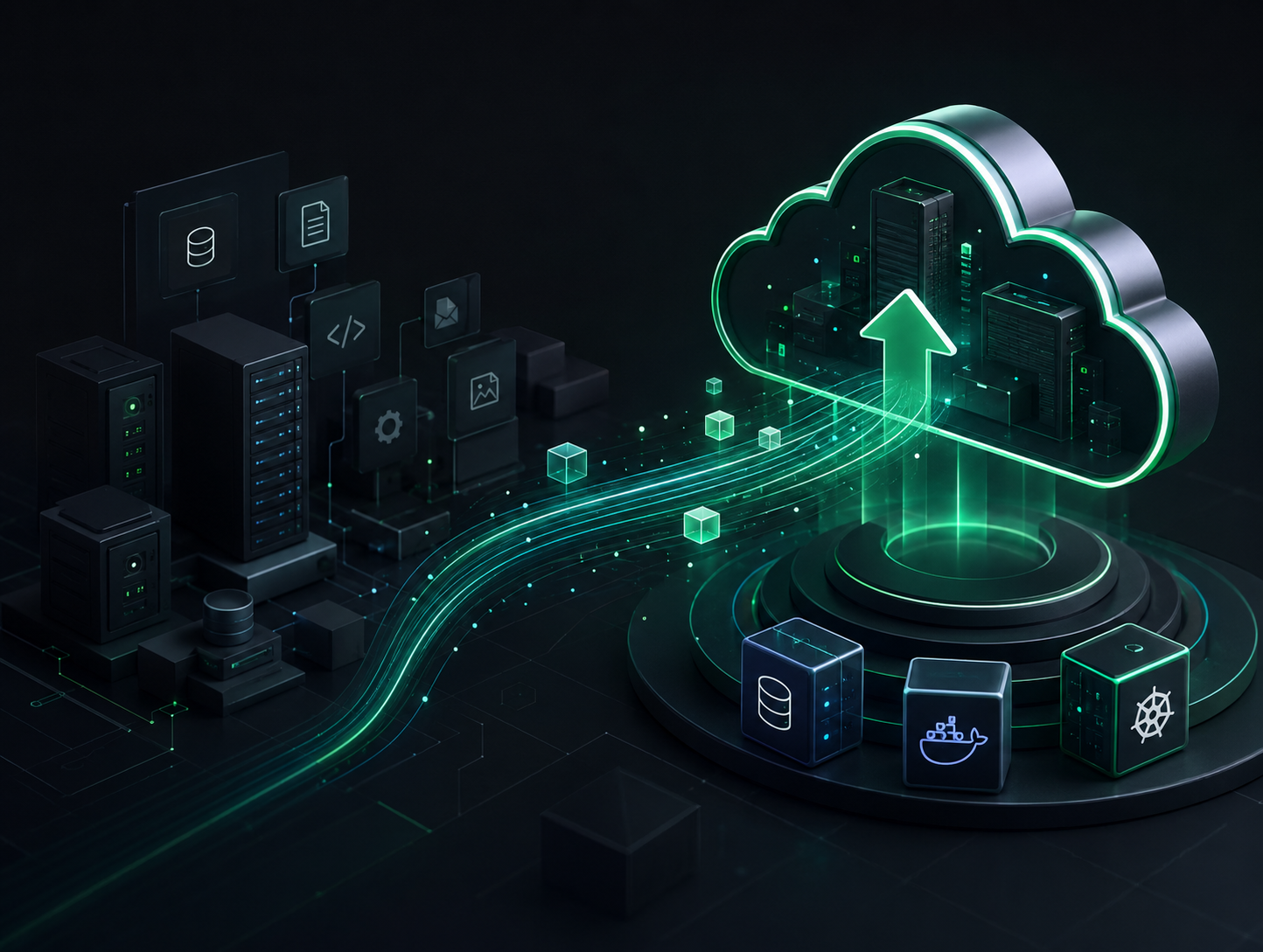
Migration Approaches We Choose Between
Not every workload deserves the same treatment. We score each one against cost, risk, and business value before deciding how it moves, not after.
Rehost
Move the workload as-is onto cloud infrastructure. The fastest path off aging hardware, used when the application itself doesn’t need to change to get the benefit.
Replatform
Move with targeted changes (a managed database, a managed queue) that reduce operational burden without a full rebuild.
Repurchase
Replace a self-managed system with a SaaS or managed equivalent when maintaining the original no longer makes sense.
Refactor
Rebuild the parts of an application that are actively holding back scale, cost, or delivery speed, scoped to where it earns its cost, not the whole system.
Retire
Decommission what no one depends on anymore. Every migration turns up systems nobody remembered were still running.
Retain
Leave a workload where it is, deliberately, when constraints or dependencies mean moving it doesn’t yet make sense.
Every Layer of the Estate, Not Just the Easy Parts
A migration that only moves the application and leaves the data and network behind isn’t finished: it’s postponed.
Applications & APIs
Web applications, backend services, internal tools, and the third-party integrations that connect them.
Databases & Data Stores
Relational and NoSQL databases, data warehouses, and caching layers, migrated with validated, low-downtime cutover.
Servers & Compute
Virtual machines, bare-metal workloads, and scheduled or batch jobs, resized for how they actually run in the cloud.
Storage & Files
File shares, object storage, backups, and archives, moved with integrity checks at both ends.
Networking & Identity
VPNs, DNS, load balancers, directory services, and single sign-on, re-established before traffic ever depends on them.
Legacy & Specialized Systems
Older custom-built tools and platforms nearing end-of-life, migrated, wrapped, or retired based on what they’re actually still doing.
A Migration Lifecycle That Doesn’t Stop at Go-Live
Six stages carry every migration, whether it’s a single application or a full estate.
Assess
Inventory workloads, dependencies, and constraints.
Plan
Choose the approach and sequence for every workload.
Prepare
Build the target environment and rehearse the cutover.
Migrate
Move applications, data, and infrastructure in controlled phases.
Validate
Confirm functionality, performance, and data integrity.
Optimize
Tune cost and performance once real usage patterns emerge.
The Business Keeps Running While the Infrastructure Changes
A migration that takes the business down to bring the cloud up has already failed. Every plan is built around staying open.
The Failure Modes We Design Every Migration Around
Most migration problems are predictable. Here’s what we do about the ones that show up most often.
Migration Tooling Chosen for the Workload, Not the Vendor
We use the discovery, replication, and validation tooling that fits your source environment: native, third-party, or a mix of both.
Cloud Platforms
Assessment & Discovery
Data & Database Migration
Infrastructure as Code
Cloud Migration: Frequently Asked Questions
Cloud Consulting decides the destination: the platform, architecture, and governance model you’re moving to. Cloud Migration is the execution: assessing what you run today, choosing how each workload moves, and carrying out the migration itself, phase by phase.
It depends on the workload, not a blanket policy. We score each application against cost, risk, and business value, and recommend rehosting what should move as-is, replatforming what benefits from managed services, and refactoring only where the return justifies the effort.
Through phased cutovers instead of a single all-at-once switch, scheduled around your lowest-traffic windows, with data synchronization validated before traffic ever moves. Most application migrations run with minutes of planned downtime, not hours.
Every cutover plan includes a tested rollback path defined before migration day, not improvised during it. If validation fails at any checkpoint, we reverse the cutover and troubleshoot in the original environment, not in production.
Yes. Application migration without its data and dependencies isn’t complete. We migrate databases, storage, and networking configuration alongside the applications that depend on them, with integrity checks at both ends.
A single application can move in a few weeks. A full estate migration typically runs several months, phased by workload priority and risk, so the business absorbs the change in manageable stages rather than all at once.
Let’s Migrate Without the Guesswork.
Book a working session with our Cloud Migration team and leave with a clear view of what should move, how it should move, and what stays exactly where it is until it’s ready.