






Browse our current openings and find a role that matches your skills and ambition.
Know more ▸
Get a feel for our culture, our people and the way we work together every day.
Know more ▸
Health, flexibility and growth benefits designed to support you and your family.
Know more ▸

Kickstart your career with hands-on internship opportunities and mentorship.
Know more ▸

Written by 3Shadz Editorial Team
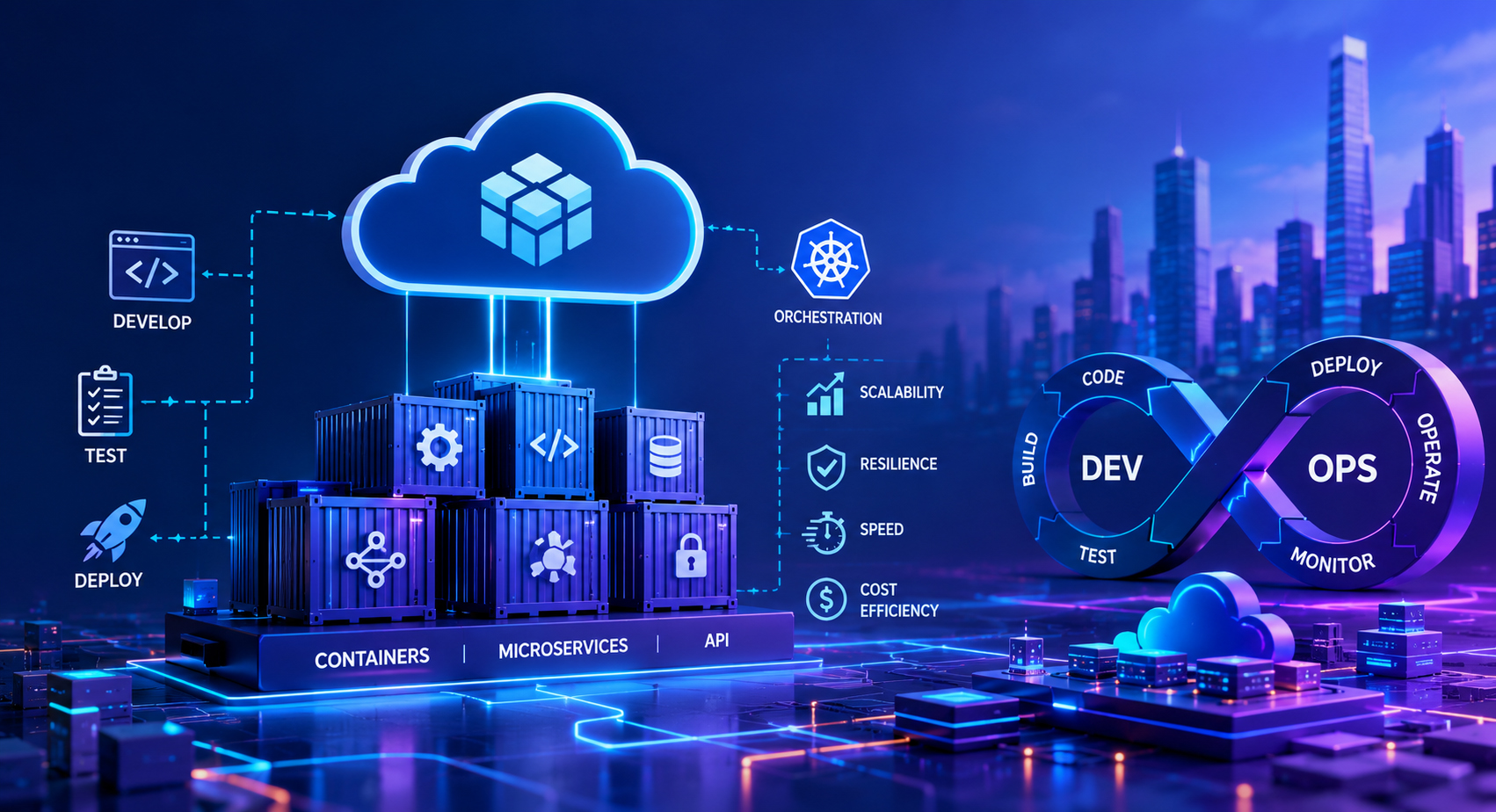
Moving an application to the cloud and building one for the cloud are not the same project. Plenty of teams rent a virtual machine, copy their existing server onto it, and call the result cloud: it runs, but it drags along every assumption of the hardware it grew up on, so it rarely gets cheaper, faster, or more reliable. Cloud-native development starts from the opposite end: you design the application around what the cloud does well (elastic capacity, managed services, and disposable infrastructure) from the first line of code. This article covers the principles that separate an application built for the cloud from one that merely runs there.
This guide is for engineering leaders and developers planning a new application. You’ll come away understanding:
Being cloud-native is a design stance, not a hosting location. A traditional application is usually written for one long-lived server: it keeps data on local disk, holds sessions in memory, and assumes the machine it started on will still be there tomorrow. Lift that application onto a cloud instance and none of those assumptions change: you have simply rented someone else’s hardware to run the same brittle design.
Designing cloud-native means inverting those defaults from the outset. Infrastructure is treated as disposable rather than something to nurse back to health. Capacity is expected to expand and contract with demand. Failure is treated as a routine event to handle in code, not a rare catastrophe to hope against. Each principle below is a concrete expression of that mindset, and all are far easier to build in at the start than to retrofit later.
| Dimension | Traditional application | Cloud-native application |
|---|---|---|
| Infrastructure | Long-lived servers, nursed and patched | Disposable, provisioned on demand |
| Scaling | Vertical: a bigger machine, done manually | Horizontal, more instances, automatically |
| Where state lives | On the server’s memory and disk | Externalized to managed data stores |
| Releases | Infrequent, manually coordinated | Frequent, automated, zero-downtime |
| Failure model | Avoided; an outage when it happens | Expected and handled in code |
| Dependencies | Self-hosted and self-patched | Managed cloud services |
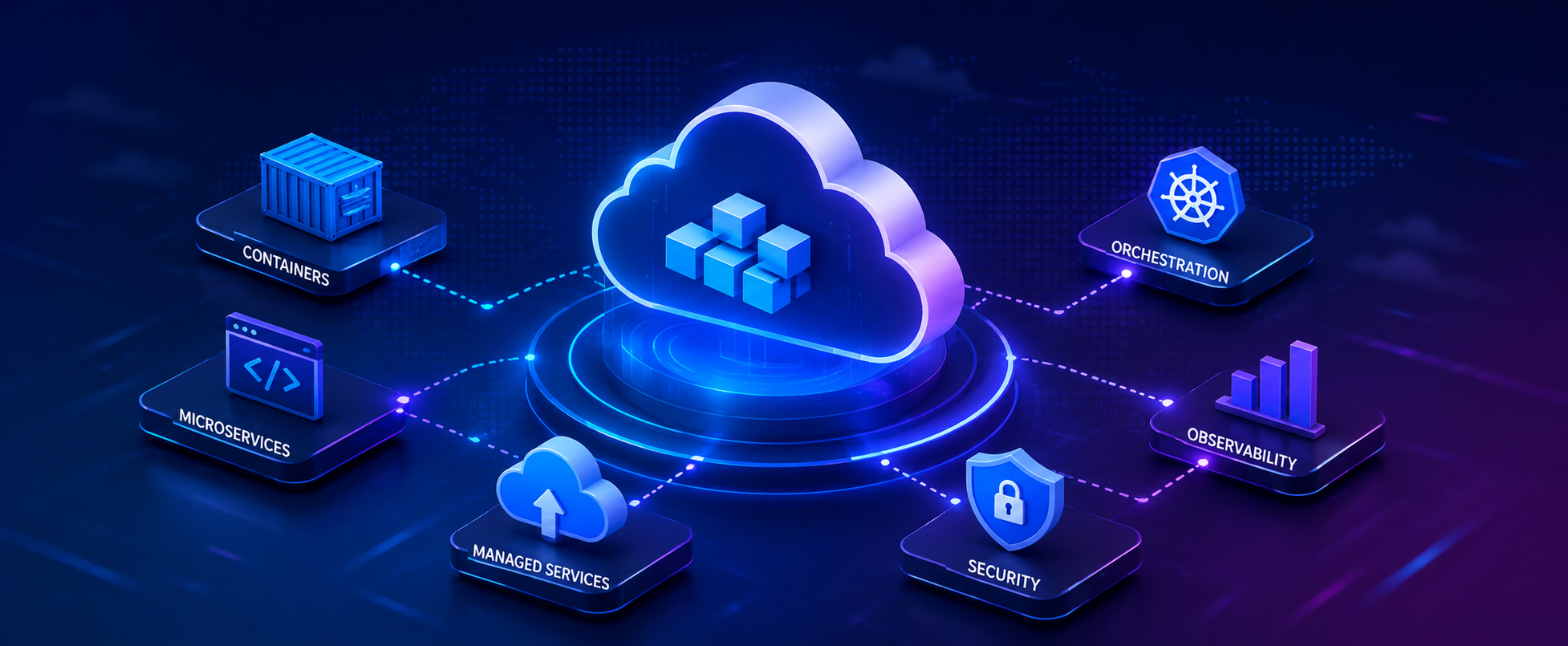
Cloud-native is less a single technology than a set of habits that reinforce one another. Four of them do most of the work, and each shapes how you structure the application before any feature code is written.
A container bundles the application and everything it needs to run into one immutable image that behaves identically on a laptop, in a test environment, and in production. That consistency ends the “works on my machine” class of bug and makes an instance something you can create or destroy in seconds. An orchestrator such as Kubernetes then schedules those containers across a pool of machines, restarts them when they crash, and adjusts how many run as load changes. Designing for containers from the start means keeping each service small, configurable through its environment, and quick to start and stop.
Statelessness means a service holds no important data in its own memory or local disk between requests, so any instance can serve any request and the orchestrator is free to add, kill, or move instances at will. Sessions, uploads, and long-lived data move to external stores: a database, a cache, or object storage. This idea sits at the heart of the twelve-factor guidelines, and it is what makes horizontal scaling and zero-downtime deployment possible. For teams used to a single always-on server, deciding where state lives is usually the largest design change of the effort.
Databases, message queues, caches, and search indexes are plumbing every application needs but none should reinvent. Cloud-native apps lean on managed versions rather than running their own, because a managed database handles the patching, backups, replication, and failover a team would otherwise build and babysit. The application reaches them through configuration, so the same image can point at a local instance in development and a managed service in production. The payoff is engineering attention: less time operating infrastructure, more spent on the product.
Everything that provisions or ships the application should be code, executed by machines. Infrastructure as code describes servers, networks, and services in version-controlled files, so a whole environment can be rebuilt identically on demand instead of assembled by hand. A delivery pipeline builds the container image, tests it, and deploys it without manual steps. This is not an optimization to add once the app is live: the release frequency and reliability that make cloud-native worthwhile depend on it, and any manual step left in the loop becomes the bottleneck it was meant to remove.
Every cloud-native application is a distributed system, and in one, parts fail independently all the time: a node is recycled, a call times out, a dependency slows to a crawl. What separates a resilient app from a fragile one is that resilience is designed in, with a handful of well-understood patterns rather than optimism.
Any network call can hang or fail, so services set firm timeouts and retry transient failures with exponential backoff and jitter, preventing one slow dependency from piling up stalled requests and spreading the slowdown.
If a dependency is clearly unhealthy, a circuit breaker stops sending it traffic for a cool-off period instead of hammering it with doomed calls. That gives the struggling service room to recover and keeps one failure from dragging down its callers.
Services expose liveness and readiness endpoints that the orchestrator polls. An instance that stops responding is restarted or replaced automatically, and traffic is withheld from one that is not ready yet: recovery without anyone being paged at 3 a.m.
When a non-critical dependency is down, a well-designed app sheds that one feature rather than failing the entire request, serving cached data or a simplified response, so a partial outage stays partial.
It is the practice of designing and building an application specifically to run on cloud infrastructure (using containers, stateless services, managed backing services, and automation), rather than adapting software written for a fixed server. The aim is an application that scales elastically, releases frequently, and recovers from failure on its own.
No. Microservices are one architectural style, and you can build a cloud-native application as a well-structured single service too. Cloud-native describes how an application uses the cloud at runtime (disposable infrastructure, externalized state, automation, and resilience) regardless of whether it is one deployable unit or fifty.
Not necessarily. Kubernetes is a powerful container orchestrator, but many teams get the same benefits from a managed container or serverless platform with far less operational overhead. The principles (containers, statelessness, managed services, automation) matter more than any single tool that implements them.
Yes, but rarely by lifting it as-is. Realizing the benefits usually means re-architecting around these principles (externalizing state, containerizing, and adding resilience), which is closer to a redesign than a move. Building cloud-native from the start avoids that later rework.
Ultimately, cloud-native is a set of design decisions, not a place your software happens to live. The label belongs to applications that assume elastic capacity, externalized state, managed dependencies, and failure as a normal event: an assumption built in from the first commit rather than retrofitted later.
None of the individual principles are exotic. Containers, statelessness, managed services, automation, and a few resilience patterns are all well understood; the discipline is in applying them together rather than reaching for a familiar single-server design out of habit. When they are in place, scaling, releasing, and recovering stop being events that call for heroics.
Start a new project by settling three things before feature code: where state lives, how the application is packaged and deployed, and how it behaves when a dependency fails. Those decisions shape everything that follows, and getting them right early is far cheaper than repairing them under production load.
Build Better Software
From architecture to delivery, 3Shadz helps teams design, build, and scale reliable software with modern engineering practices, automation, and quality built in from day one.